

Find and share your code
1
Open the tab
Open Account → Plan & Billing → Refer & Earn.
2
Share your code or link
Under Your code and link you find your personal code. Copy code copies it, and Share link holds the sign-up link with your code.
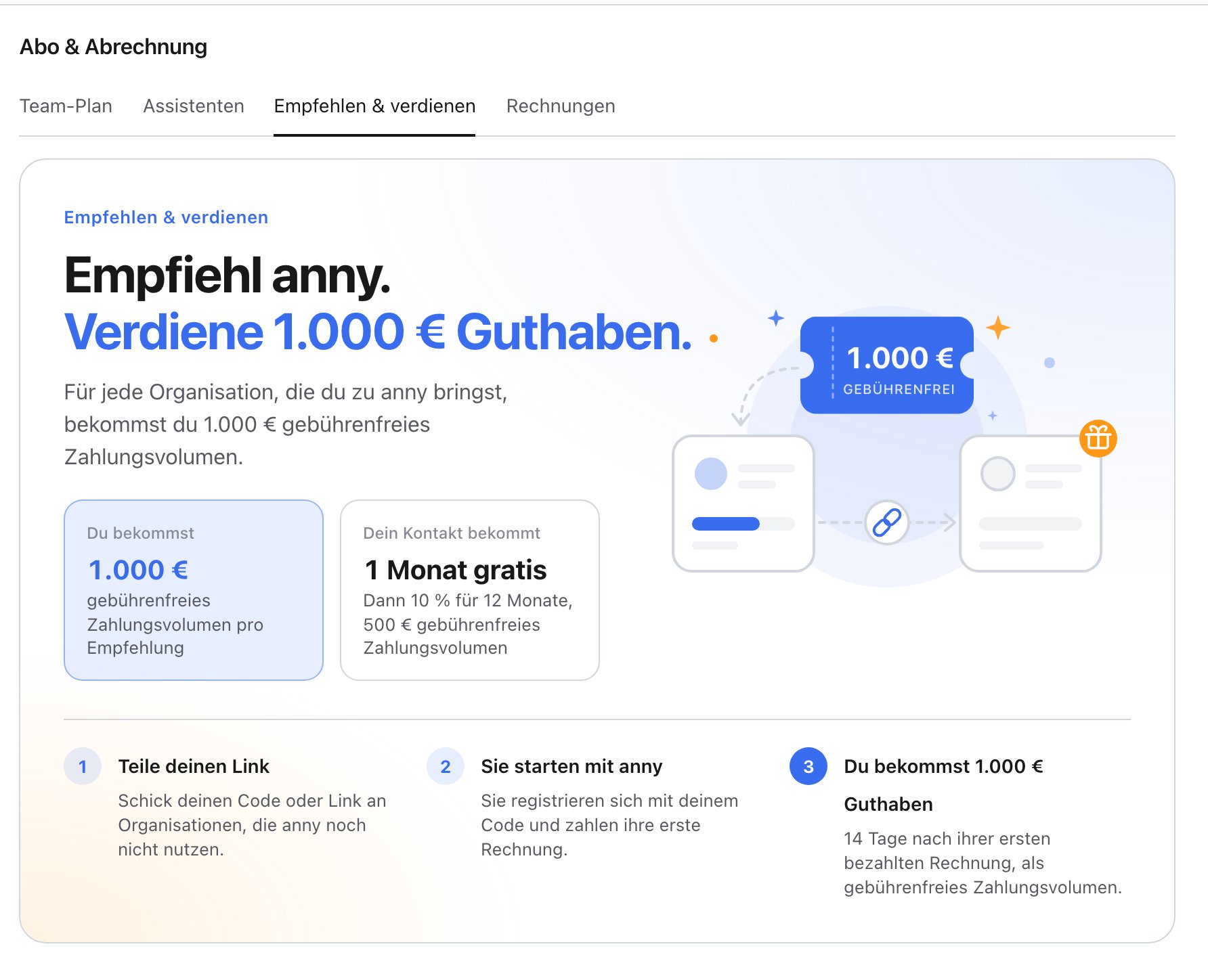
You only see the Refer & Earn tab while a referral program runs.
How it works
- Share your link with organizations that don’t use anny yet.
- They start with anny: they sign up with your code and pay their first invoice.
- You get your reward: As soon as they’ve paid their first invoice, you get the fee-free payment volume and, if the program includes them, AI credits.
Fee-free payment volume
Under Fee-free volume from referrals you see how much volume you’ve earned and how much is remaining. This payment volume carries no platform fees: your customers’ payments up to this amount run without an anny fee. The volume waits until you’ve set up online payments.Track your referrals
Under Your referrals you see every organization that signed up with your code, with its status:Redeem a referral code
Did another organization refer you to anny? Enter their code when you sign up, or later in the Team plan tab under Referral code with Enter referral code. This works until your first paid plan. The offer then applies with your first paid plan.FAQ
Can I refer myself?
Can I refer myself?
No. Referrals between organizations that belong together, for example with the same email domain for their owners, don’t count.
I forgot to enter the code when I signed up
I forgot to enter the code when I signed up
No problem. Enter it in the Team plan tab under Referral code as long as you don’t have a paid plan yet.