

You need WordPress 6.5 or newer, PHP 8.1 or newer, administrator rights in WordPress, and an anny organization. anny’s free plan is enough.
Install the plugin
1
Find the plugin
In WordPress, go to Plugins > Add Plugin and search for
anny bookings.2
Install and activate
Click Install Now, then Activate. A new anny entry appears in the left sidebar.
Connect your site to anny
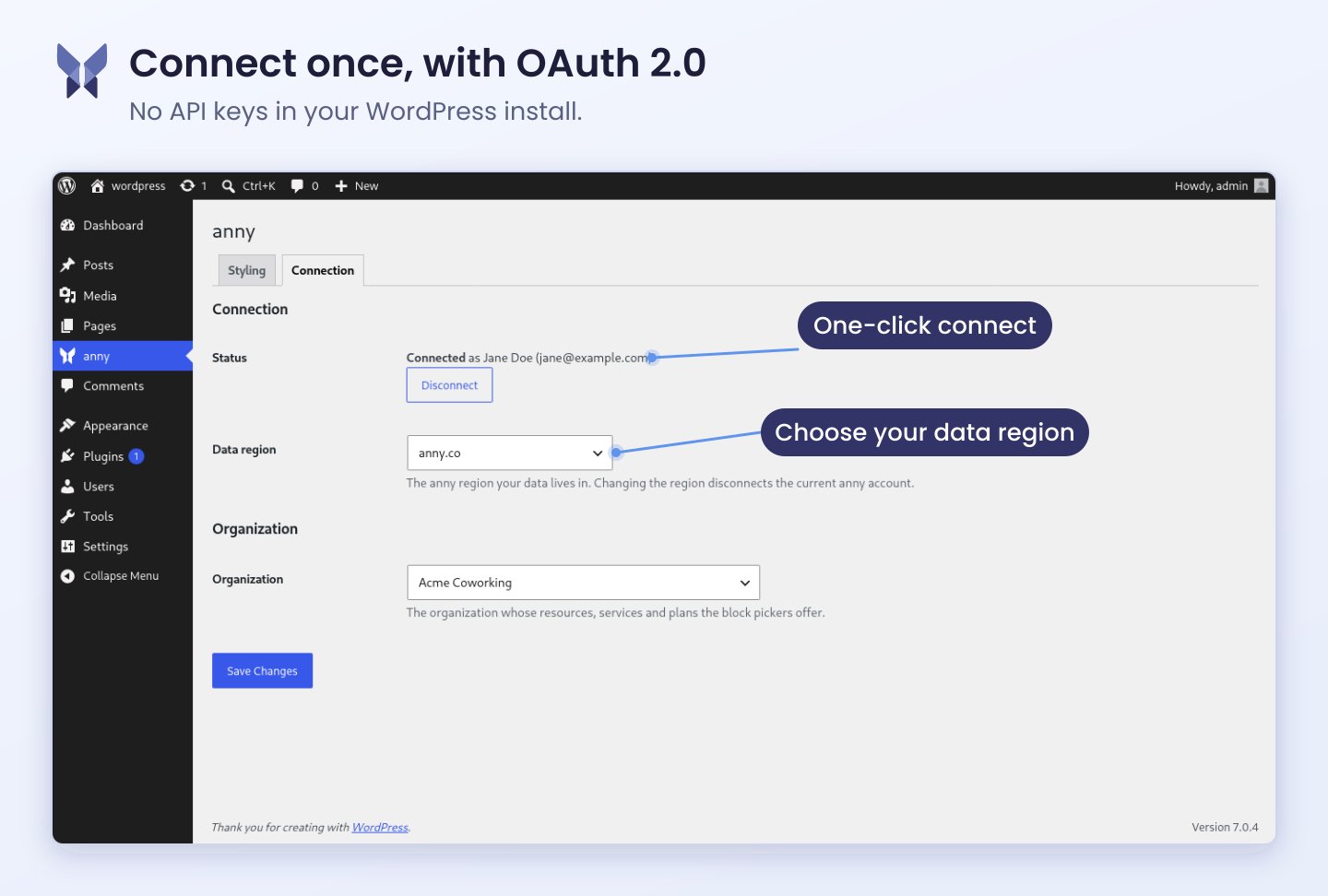
Connecting runs through your anny login. You never store keys or passwords in WordPress.1
Choose the data region
Open anny > Connection and pick the region your organization lives in under Data region:
anny.co or anny.eu. If you are unsure, it is the address you use to log in to anny.2
Connect
Click Connect with anny. You land on the anny sign-in page and approve the access there.
3
Select your organization
Back in WordPress, choose the organization whose resources and services you want to embed under Organization, then save.
Add a block
1
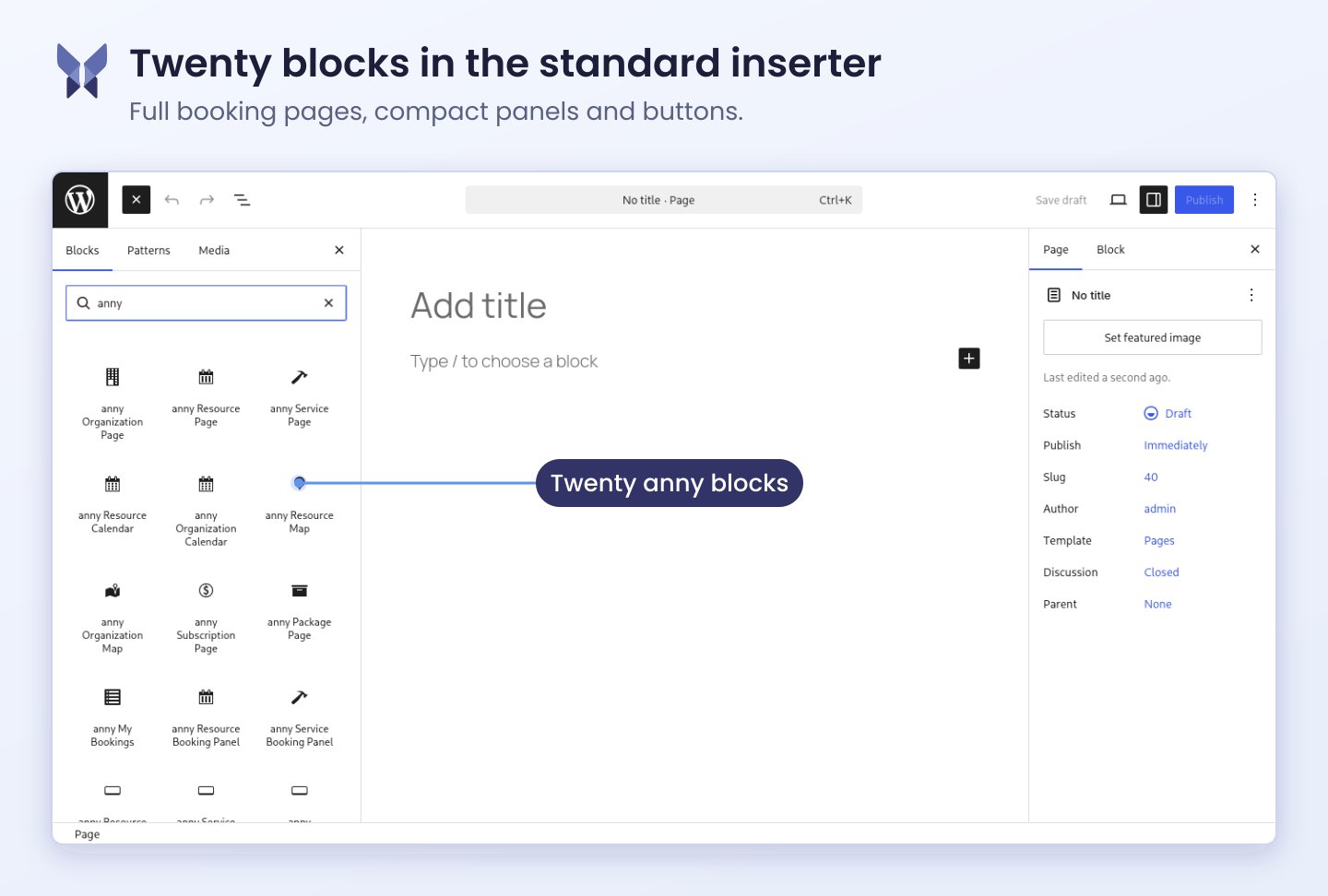
Insert the block
Open a page in the editor, click the plus, and search for
anny. All blocks sit in the anny category.2
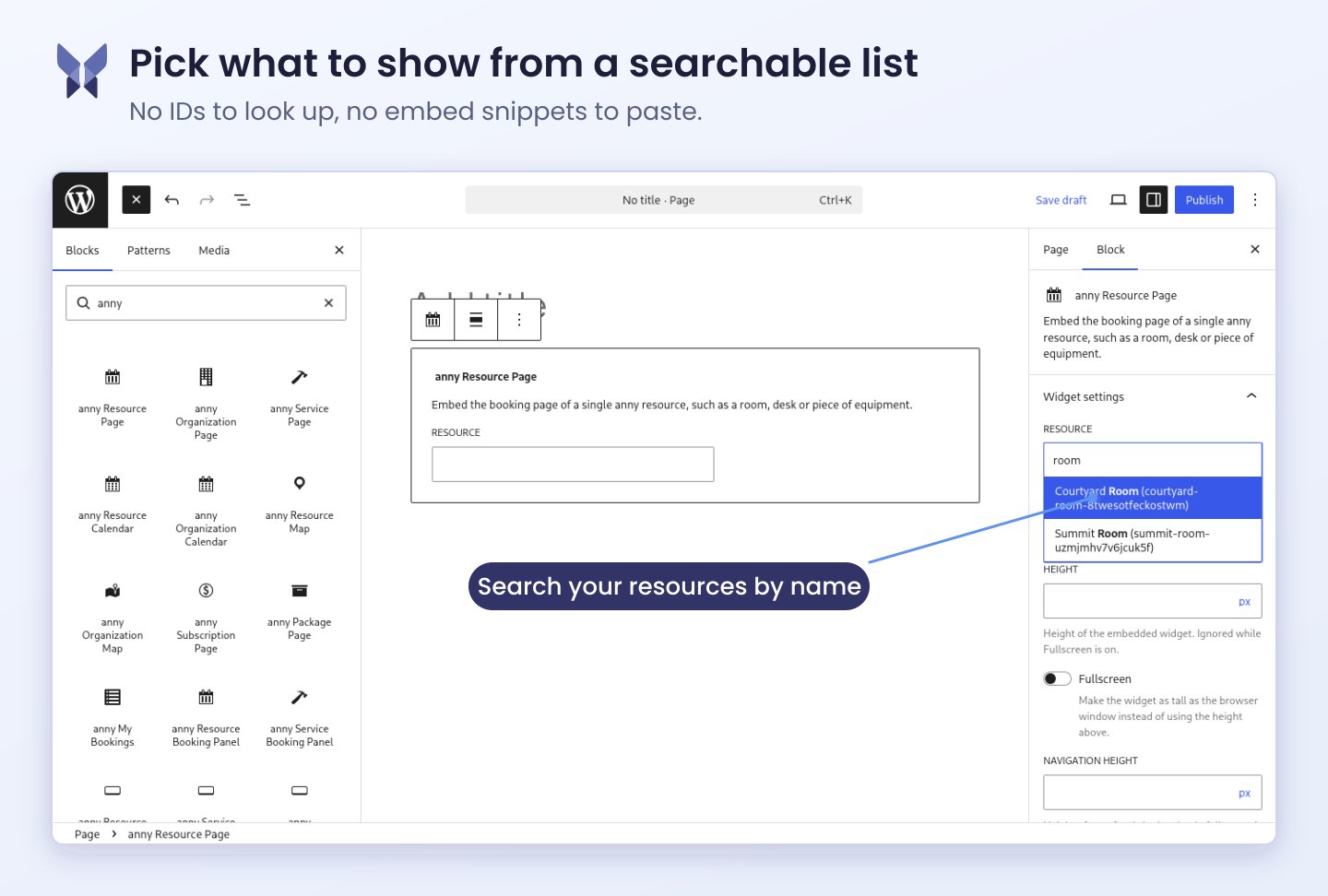
Pick a resource or service
Choose from the list in the block what visitors should book. The list comes straight from your organization — no names or slugs to type.

Login and external payments (for example PayPal or iDEAL) open their own window in the widget, so WordPress is not navigated away. Your website must allow these windows. See Popups from the widget for details.