

Requirements
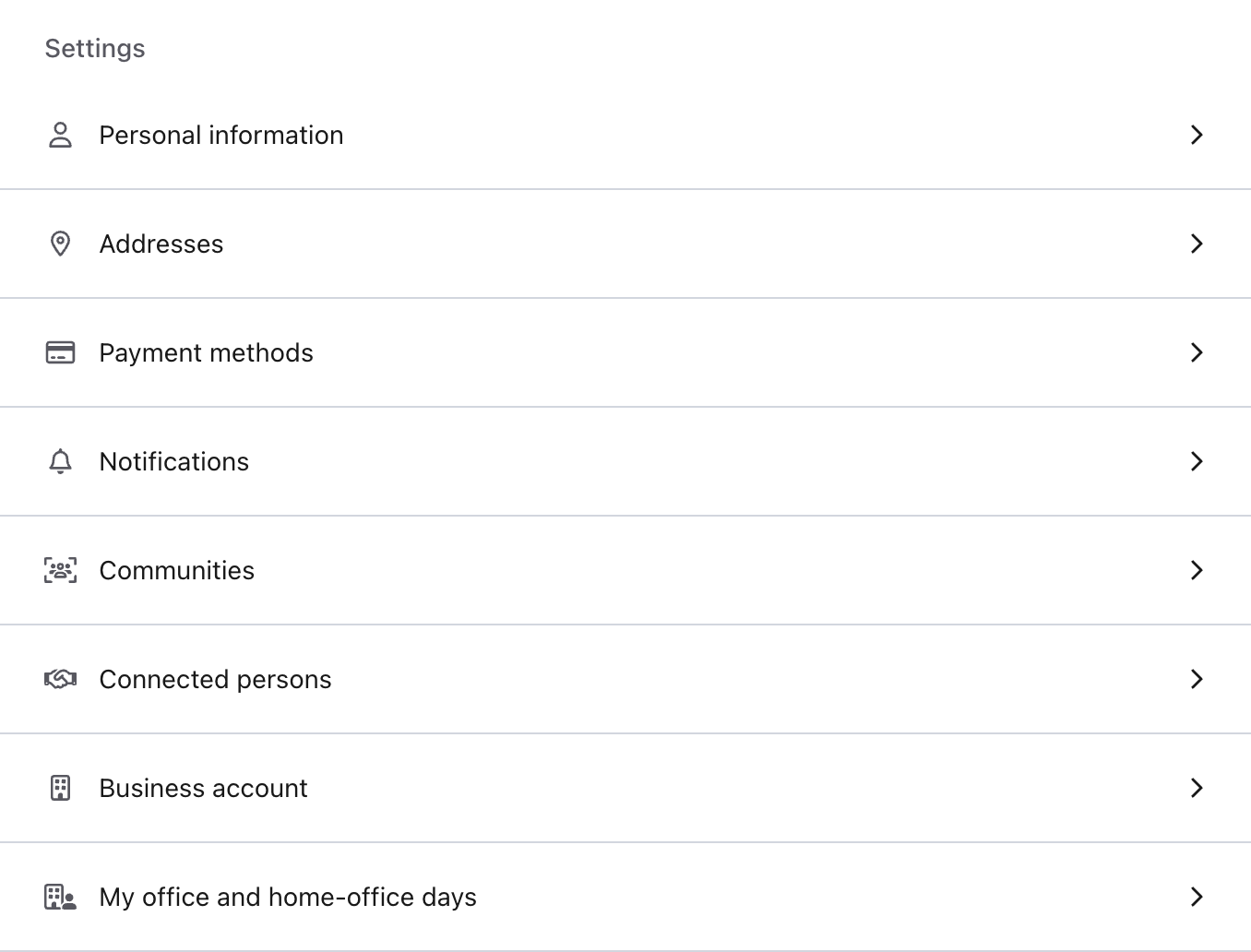
The My office and home-office days section appears in your profile once you are a member of a community of an organization that uses anny for flexible workplaces. After joining, it can take a moment to appear.Open the overview
1
Open your profile
Click your avatar at the top right and select Profile.
2
Open the section
Select My office and home-office days.
3
Choose a year
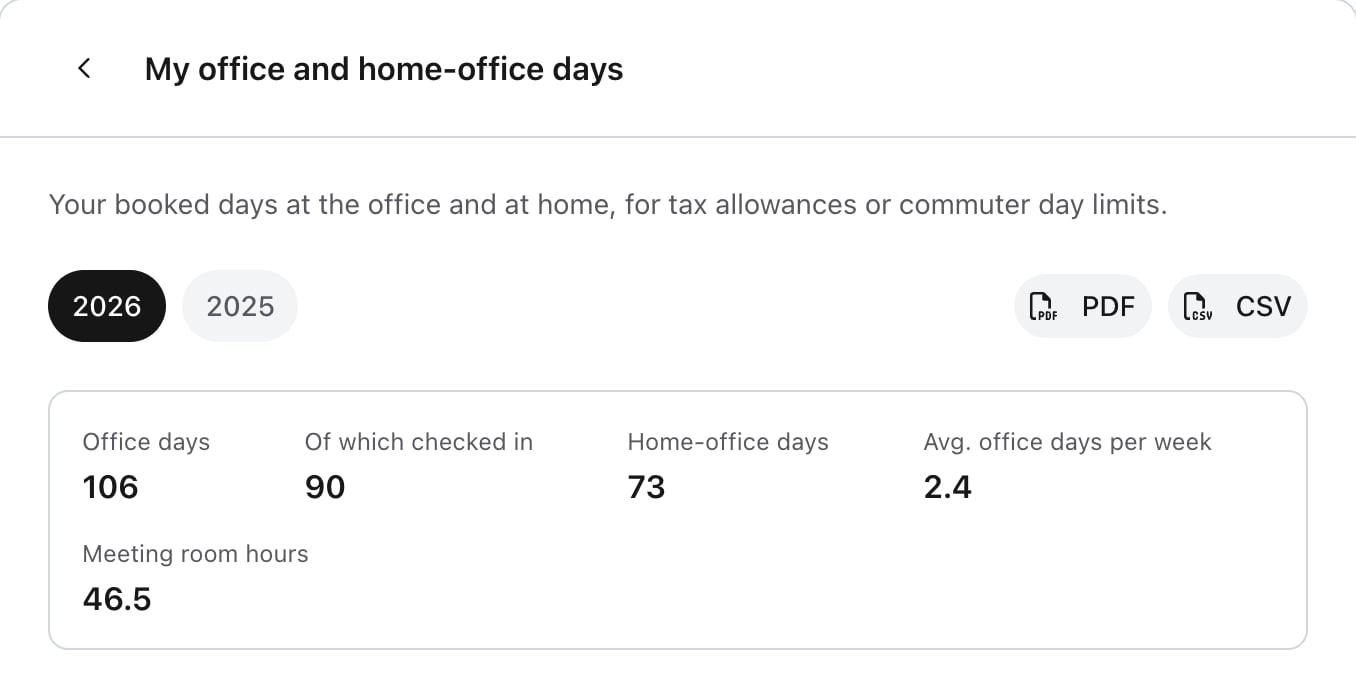
If you have bookings from several years, switch between them at the top. If you book with several organizations, also choose the Organization.
What counts
Only confirmed bookings up to today count. Parking spaces and meeting rooms do not make an office day.
How each resource counts
Example week
This week adds up to 2 office days, 2 home-office days and 2 meeting room hours.
The weekly average covers the calendar weeks since your first logged day of the year. With 106 office days over 44 calendar weeks, for example, you see 2.4 office days per week. Weeks without a booking, such as vacation weeks, are included.
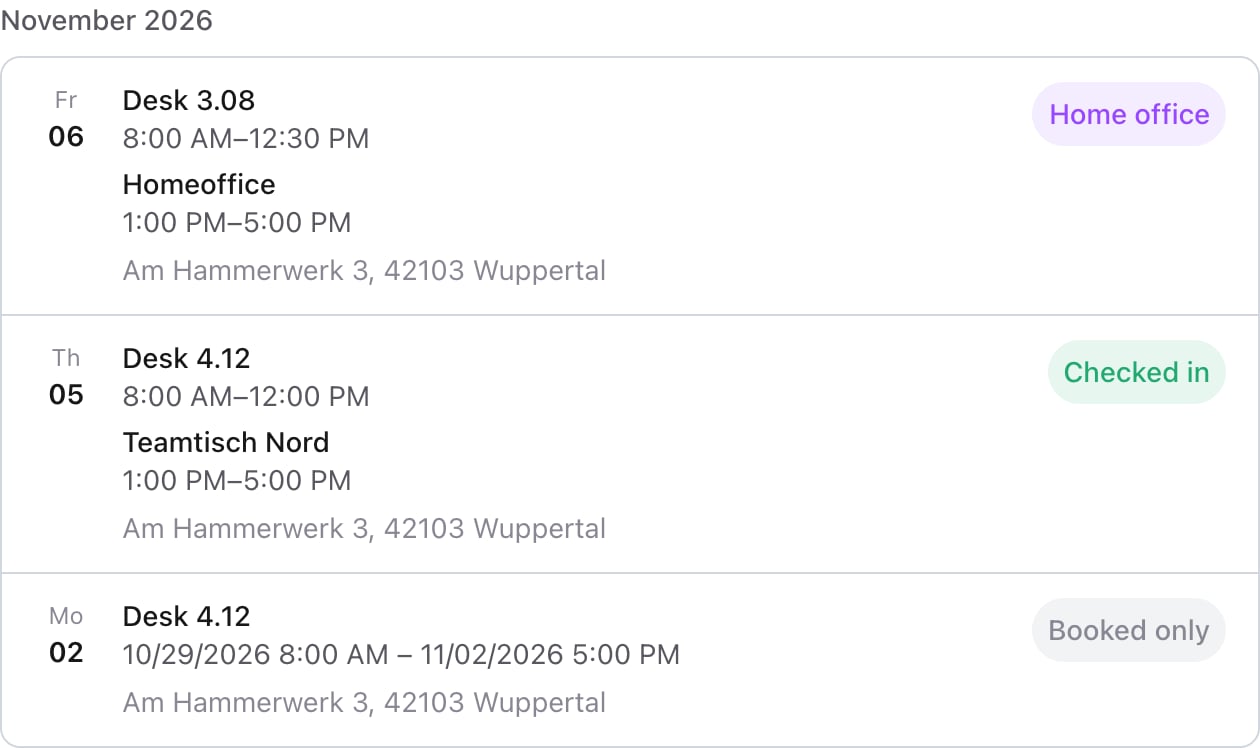
The label on the right of each day in the list shows how it counts:
A day with both office and home office
A day with both office and home office
If you booked both on the same day, it counts as a home-office day. Both bookings stay visible in the list.
Bookings over several days
Bookings over several days
A booking over several days counts Monday to Friday only. A booking from Thursday to Monday therefore makes three days: Thursday, Friday and Monday. A single booking on a weekend counts as a booked day. At most 31 days are logged per booking.
Checked in and booked only
Checked in and booked only
If your organization uses check-ins, each office day shows whether you were Checked in or Booked only.
Download the overview
Click PDF or CSV to save the overview for the selected year. The file contains your name, the organization, the year, every day with its resource, location and time, and the totals of your office and home-office days.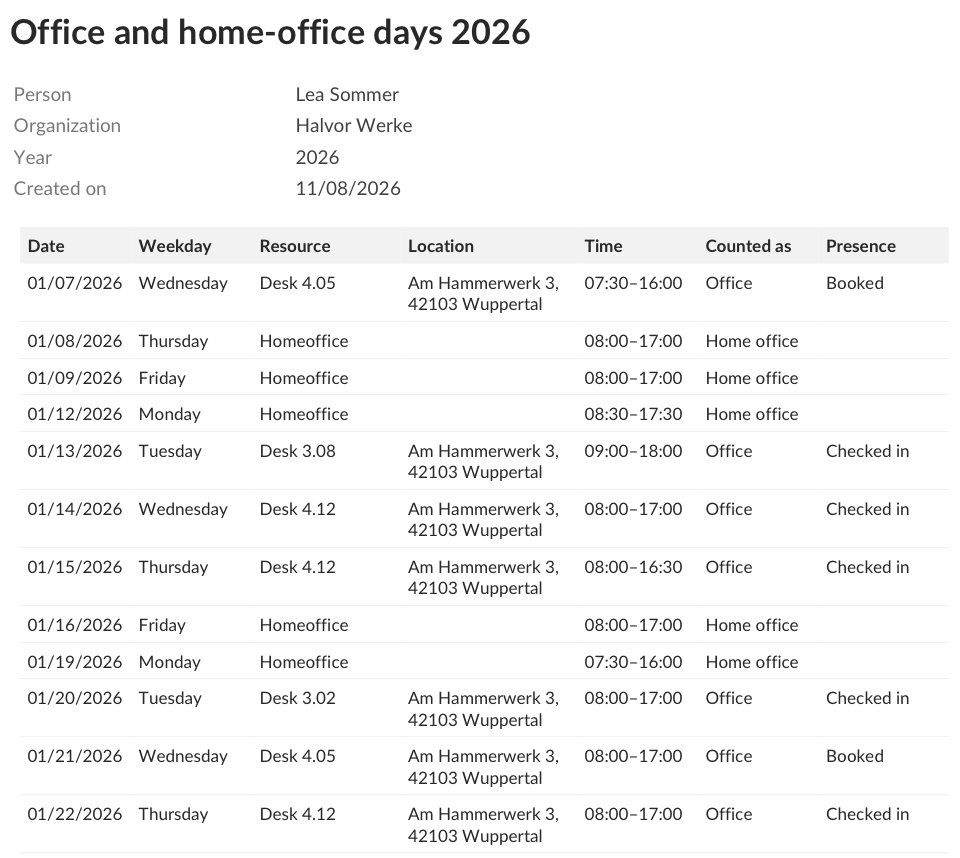
Who sees your overview
Only you can see this overview. Admins of your organization still see your bookings in the admin area as usual, but not this overview or your downloads.Notes for admins
For the overview to work well for your team, check the following:- Your organization uses the Organize flexible workplaces & rooms use case. If you change the use case later, the section appears or disappears for your community members automatically.
- Your employees are members of a community of your organization.
- Home-office resources are named so they can be recognized, for example Homeoffice, Remote or Mobiles Arbeiten. For desks and offices, choose a matching category such as Flex Desk.